
Claude connectors are one of the ways Claude can call external services through the Model Context Protocol, an open standard introduced by Anthropic in November 2024 and documented at modelcontextprotocol.io. A connector is a saved connection to an MCP server: you enable it in a chat, and Claude can ask that service for data or run actions when you approve the request. This guide explains what claude connectors are, lists SEO-relevant connectors you can try, and shows how to add your own custom connector.
For SEO work, a connector can be a directory connector for analytics, search, or data tools, or a custom connector pointing to a dedicated SEO MCP server. For example, the SpeedyIndex MCP setup guide explains how to connect SpeedyIndex to Claude for index checks, indexing tasks, backlinks, and rank tracking.
How Claude connectors work
Model Context Protocol is an open standard that lets an AI assistant call tools of external services instead of working only with built-in knowledge. A Claude connector is the middle layer in a three-part flow:
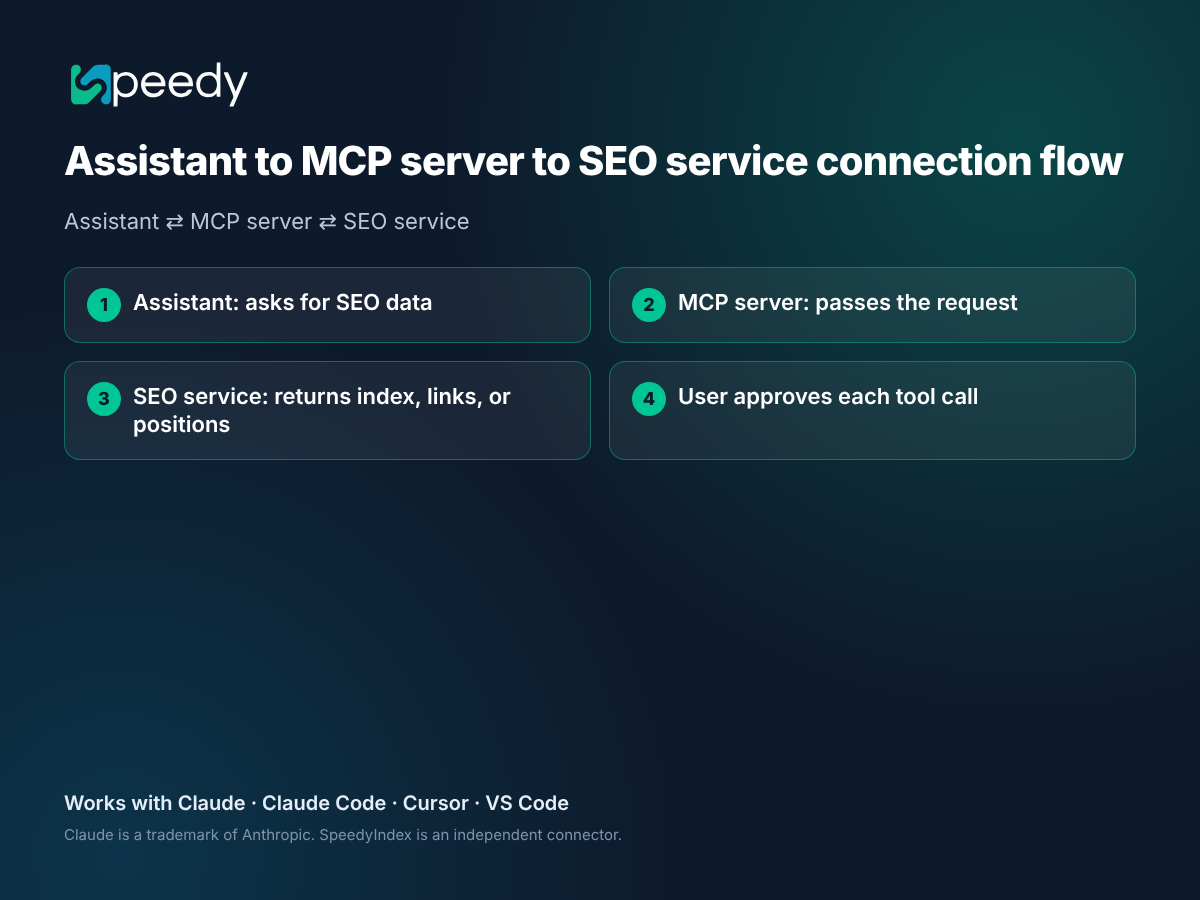
- Assistant: Claude asks for data or requests an action in a chat.
- MCP server: the connector receives the request and passes it to the service.
- Service: the SEO tool returns index status, backlinks, positions, or other data.
You see the request as a tool call in the chat and can allow or deny it. Claude can only access what you permitted the server to access during sign-in. The API key is not typed into the chat.
Directory connectors vs custom connectors
Claude has two ways to connect external tools.
Connectors Directory
The Connectors Directory lists pre-built connectors by category. You can open it from a chat via the “+” button or “/”, then Connectors → Manage connectors. Each entry shows use cases and read/write capabilities.
Custom connectors
A custom connector is a server you add yourself by entering a name and URL. Anthropic does not verify custom connectors, so you should connect only servers you trust. Custom connectors work on every Claude plan; the Free plan allows one custom connector. On Team and Enterprise plans, an Owner adds the connector in Organization settings → Connectors, and each member connects individually afterward. The server must be reachable from the public internet over HTTPS port 443. To change a connector, you remove it and add it again.
SEO MCP servers you can add as custom connectors
Several SEO platforms publish MCP servers that work as custom connectors in Claude. The details below were checked against official vendor pages on 19 November 2026; for Moz API MCP, the source is the SpeedyIndex hub comparison (November 2026).
| Server | Hosting and sign-in | Core data | Bulk index check & indexing | Positions | Payment model |
|---|---|---|---|---|---|
| Ahrefs MCP | Hosted by Ahrefs; OAuth or MCP key | Backlinks, keywords, site audit, AI visibility | Not listed in the docs | Yes, Ahrefs Rank Tracker | Paid plans from Lite; API units |
| Semrush MCP | Hosted; OAuth 2.1 by default | Keywords, domains, backlinks, traffic, position tracking, site audit | Not listed in the docs | Yes, Position Tracking | Plans with API units |
| SE Ranking MCP | Hosted; OAuth 2.1 or API key | Keywords, backlinks, domain analysis, SERP, audit, AI visibility, local marketing | Not listed in the docs | Project data | Subscription or API credits |
| DataForSEO MCP | Hosted or local via npm or Docker; API login and password | SERP, keywords, backlinks, on-page, domain analytics, AI optimization | Not listed in the docs | Raw SERP data | Pay as you go |
| Keyword.com MCP | Hosted; OAuth | Google rankings, rank history, share of voice, rank movers, keyword research, AI visibility | Not listed in the docs | Yes, core product | Included with plans |
| Moz API MCP (beta) | Official server for the Moz API | Keyword metrics, link research, Domain Authority | Not listed in the docs | Not listed in the docs | Moz API subscription |
| Screaming Frog SEO Spider MCP | Runs locally with the desktop app; STDIO or Streamable HTTP | Crawl control, reports, URL info, link data, configuration, screenshots | Not listed in the docs | Not listed in the docs | Paid licence feature |
| SpeedyIndex MCP | Hosted or local via npm; OAuth with API key | Your URLs: index status, indexing, links, positions | Yes: up to 10,000 URLs per task; Google/Yandex/Bing checks; Google/Yandex indexing | Yes: Google positions, trend, AI Overview | Tokens without subscription; read tools free; Google tasks pay-per-indexed |
Google Search Console works differently: Google does not publish an official Search Console MCP server. The servers found in MCP directories are community projects using the Search Console API for clicks, impressions, queries, pages, URL Inspection one URL at a time, and sitemaps. They are free and require access to your property. SpeedyIndex can check whether URLs are indexed in Bing, but it does not submit URLs to Bing.
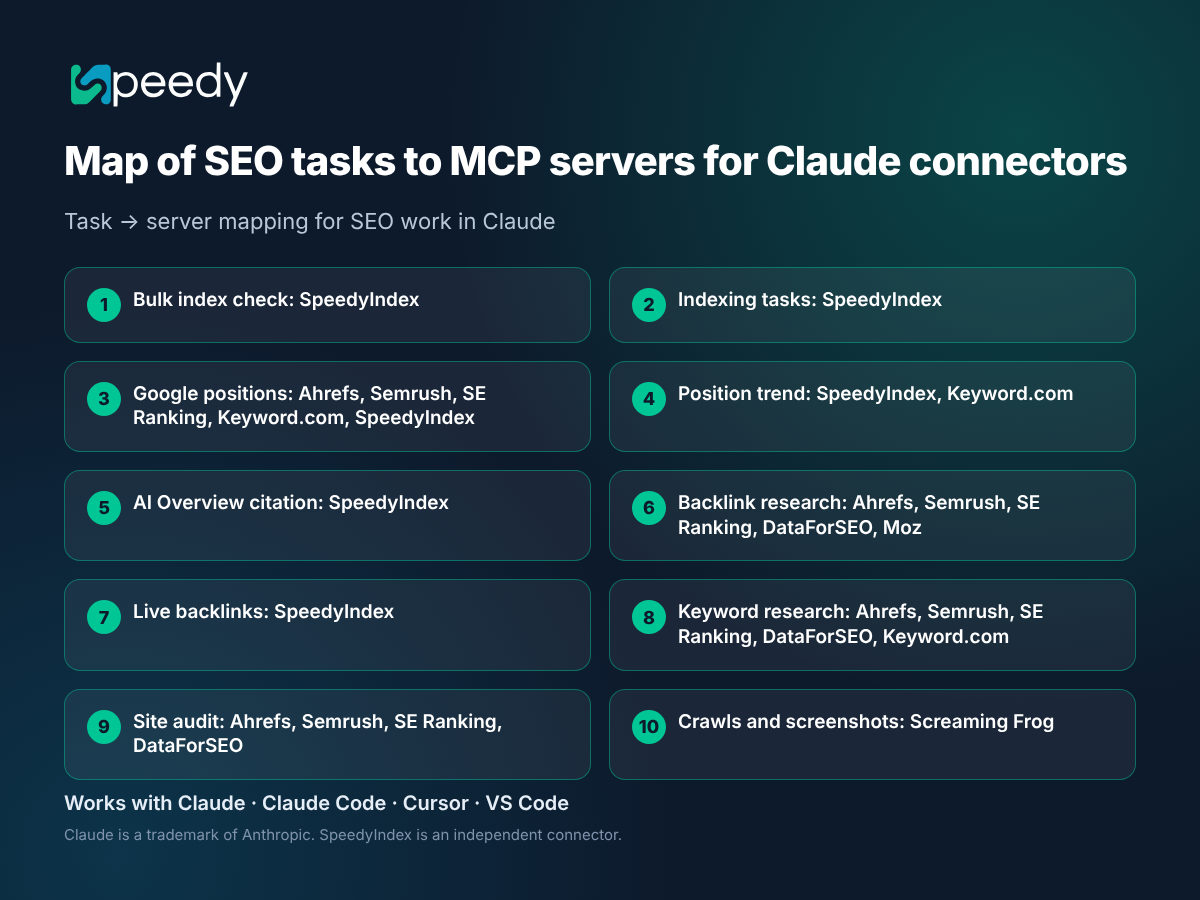
Which SEO task is covered by which server
| Task | Server that covers it |
|---|---|
| Bulk index check for Google, Yandex, and Bing | SpeedyIndex |
| Bulk indexing tasks for Google and Yandex | SpeedyIndex |
| Google positions | Ahrefs; Semrush; SE Ranking; Keyword.com; SpeedyIndex |
| Position trend history | SpeedyIndex (up to 90 checks); Keyword.com (rank history) |
| AI Overview presence or citation of your site | SpeedyIndex |
| AI visibility across assistants | Ahrefs (Brand Radar); SE Ranking (SE Visible); Keyword.com (ChatGPT, Perplexity, Gemini, AI Overviews) |
| Traffic and market data | Semrush |
| SERP data you process yourself | DataForSEO; SE Ranking |
| Domain Authority metrics | Moz API MCP; SpeedyIndex backlink checker reports Moz DA and spam score per donor |
| Backlink research from vendor indexes | Ahrefs; Semrush; SE Ranking; DataForSEO; Moz |
| Live backlink checks of donor pages you provide | SpeedyIndex |
| Keyword research | Ahrefs; Semrush; SE Ranking; DataForSEO; Keyword.com |
| Domain analysis | Ahrefs; Semrush; SE Ranking; DataForSEO |
| Site audit and on-page data | Ahrefs; Semrush; SE Ranking; DataForSEO |
| Local crawl of a live site with screenshots | Screaming Frog SEO Spider MCP |
| Search Console clicks and impressions | Community Search Console servers, not an official Google server |
How to add your own custom connector
The steps below use SpeedyIndex as an example of a custom SEO connector. The server URL is https://mcp.speedyindex.com/mcp.
Claude web and desktop
- Open Plugins at
claude.ai/plugins. Older help center pages may still say “Customize → Connectors.” - Click Add → Add custom connector.
- Enter the name “SpeedyIndex” and the URL
https://mcp.speedyindex.com/mcp. - Click Continue → Connect. A SpeedyIndex sign-in page opens; paste the API key from the API section of your SpeedyIndex account at
app.speedyindex.comand click Connect. There is no separate Add button in the dialog anymore. - In a chat, click the “+” in the message box → Connectors → turn SpeedyIndex on.
- Test the connection by asking: “What is my SpeedyIndex balance?” If you see tokens and credits, the connector works.
Claude Code
claude mcp add --transport http --scope user speedyindex https://mcp.speedyindex.com/mcp
Then run /mcp inside Claude Code → speedyindex → Authenticate. Sign-in opens in the browser. Run claude mcp list to confirm the connection. The --scope user flag makes the server available across all projects.
VS Code
Run the command “MCP: Add Server” → HTTP → paste the URL, or add a workspace .mcp.json file:
{"mcpServers":{"speedyindex":{"type":"http","url":"https://mcp.speedyindex.com/mcp"}}}
Check with “MCP: List Servers”. A plausible answer without a tool call does not prove the connection.
Cursor
Add the server to .cursor/mcp.json for a project or ~/.cursor/mcp.json for all projects:
{"mcpServers":{"speedyindex":{"url":"https://mcp.speedyindex.com/mcp"}}}
Cursor signs in with OAuth on first connect. Turn the server on in settings and ask for the balance, then expand the tool call to verify.
Claude can only access what you permitted the server to access during sign-in. The SpeedyIndex API key is not typed into the chat. It is stored only inside an encrypted token on the server side. The access token lives for 1 hour, sign-in renews for up to 90 days, and changing the key in your account revokes all sign-ins. The connector itself does not pay, does not create invoices, and does not delete projects or tasks.
If the connector does not work
- Check that the connector is toggled on in the chat.
- Re-check the API key in the API section of the SpeedyIndex account.
- Run Authenticate again in Claude Code via
/mcp. - Remove and re-add the connector in Plugins.
- On Team or Enterprise plans, ask the Owner to add the connector in Organization settings.
How to use SpeedyIndex in Claude
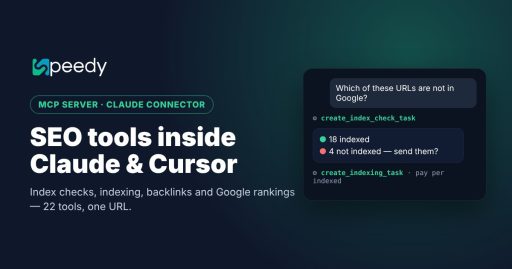
The remote SpeedyIndex server has 22 tools: 15 only read data and are free, 7 change the account, and 5 of those spend tokens. Creating a Rank Tracker project and adding keywords is free; running a position check is not, and the check cost is shown in advance. Google indexing tasks are pay-per-indexed: tokens for URLs that do not get indexed come back automatically. Index checks support Google, Yandex, and Bing; tasks accept up to 10,000 URLs and return lists of indexed and not-indexed URLs, with page titles for Google. The backlink checker opens donor pages you provide and checks HTTP status, anchor text, nofollow flag, and Moz Domain Authority and spam score per donor; it supports up to 50 target domains. The connector itself is free; tasks are paid with SpeedyIndex tokens without a subscription, and new accounts get 100 free tokens.
Example prompts to test and use SpeedyIndex as a Claude connector:
- “What is my SpeedyIndex balance?” — read-only, free.
- “Check whether these URLs are indexed in Google: [list].” — creates an index check task and spends tokens.
- “Create a Google indexing task for these URLs and drip-feed it over 3 days: [list].” — creates an indexing task and spends tokens; drip feed can spread Google tasks over 2–30 days.
- “Check that these donor pages still link to example.com: [list of donor page URLs].” — creates a backlink check task and spends tokens.
- “Show positions for Rank Tracker project [name].” — read-only, free.
Claude asks for approval before tool calls; you can set trusted tools to Always allow. SpeedyIndex’s 7 account-changing tools — including the 5 that spend tokens — always ask unless set to Always allow. Use “Always allow” only for tools you trust.
Claude is a trademark of Anthropic. SpeedyIndex is an independent connector.
FAQ
What is a Claude connector?
A saved connection to an MCP server that Claude can use in a chat. It lets Claude read data or run actions from an external service, with your approval for each tool call.
How do I add a custom connector to Claude?
Open Plugins at claude.ai/plugins → Add → Add custom connector → enter a name and server URL → Continue → Connect → sign in with the service’s API key → enable the connector in a chat via “+” → Connectors.
Are Claude connectors free to use?
The connector feature is available on Claude plans, including the Free plan with one custom connector. The external service may have its own costs. SpeedyIndex read-only tools are free; tasks that change the account use SpeedyIndex tokens.
Can I connect SEO tools like Ahrefs or Semrush to Claude?
Yes, if the vendor publishes an official MCP server, you can add it as a custom connector using the vendor’s MCP URL and sign-in. Check the vendor documentation for current capabilities. The SEO MCP comparison above was checked on 19 November 2026.
Sources
- Model Context Protocol official site: modelcontextprotocol.io
- Claude connector help: support.claude.com
- Official MCP pages of Ahrefs, Semrush, SE Ranking, DataForSEO, Keyword.com, and Screaming Frog — checked 19 November 2026
- Moz API MCP: SpeedyIndex hub comparison, November 2026
Telegram: https://t.me/SpeedyIndexOfficial · Bot: https://t.me/speedyindexbot · X: https://x.com/speedyindexbot · Facebook: https://facebook.com/speedyindexbot · YouTube: https://youtube.com/@speedyindex_com